The Market App
Browse and Install Apps From the Market App
Here you will find out all you need to know about working with ownCloud’s Market app. The Market app lets you browse the ownCloud Marketplace and install apps directly from your running ownCloud instance. Open it by clicking the Market app icon in the top-level ownCloud navigation menu.
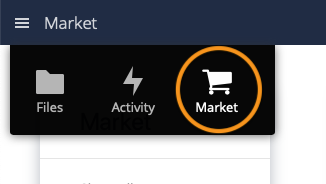
The marketplace catalog is public, so there is no account to create and nothing to log in to — the Market app reads the catalog directly. Browse or search the available apps, click an app to view its details, and click Install to download, install, and enable it.
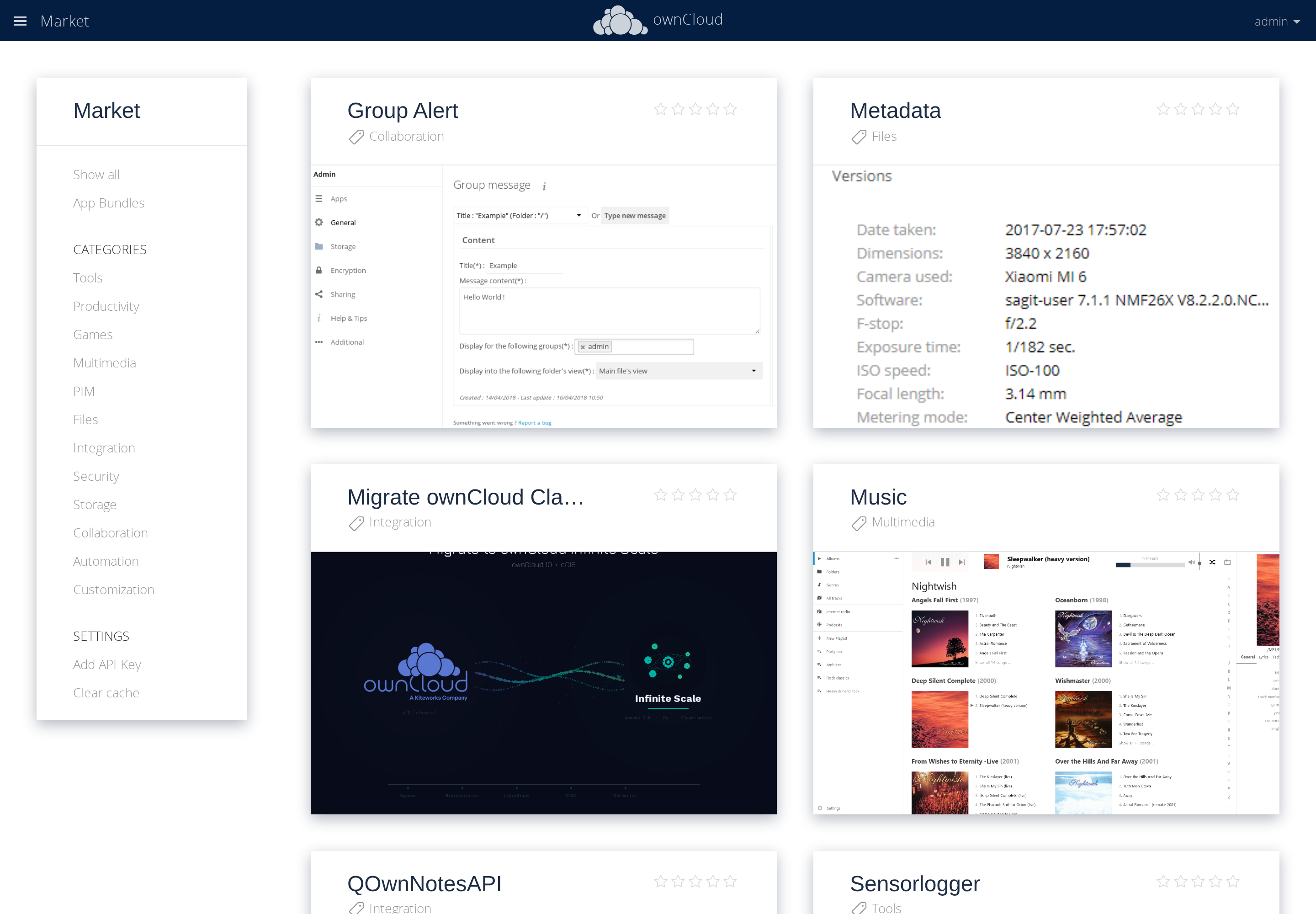
Use the categories in the left-hand navigation to filter the catalog, or the search box to find an app by name.
| If your ownCloud instance runs in a protected environment (DMZ) without internet access, the Market app cannot reach the marketplace. In that case, download apps manually from the ownCloud Marketplace and install them by hand. See Installing and Managing Apps. |